
 Español
  English
  Deutsch
  Français
  Italiano
  Nederlands
  Português
 You save videos about tidying your home. But it still looks the same
You watch videos about organizing drawers, pantry videos, and organization hacks. The problem starts when you want to apply them, but you can't remember them or even where they are. Download Reesave now and finally organize the battery drawer.
You save tons of organization videos for ' when you have time '
You remember a good idea, but not which video it was in.
When you start organizing, you can't remember either the steps or the materials.
You end up mixing ideas from the kitchen, closets, bathroom, and desk with no real order.
You go back to the original video and waste time looking for the useful part.
With Reesave
Organization videos become reality
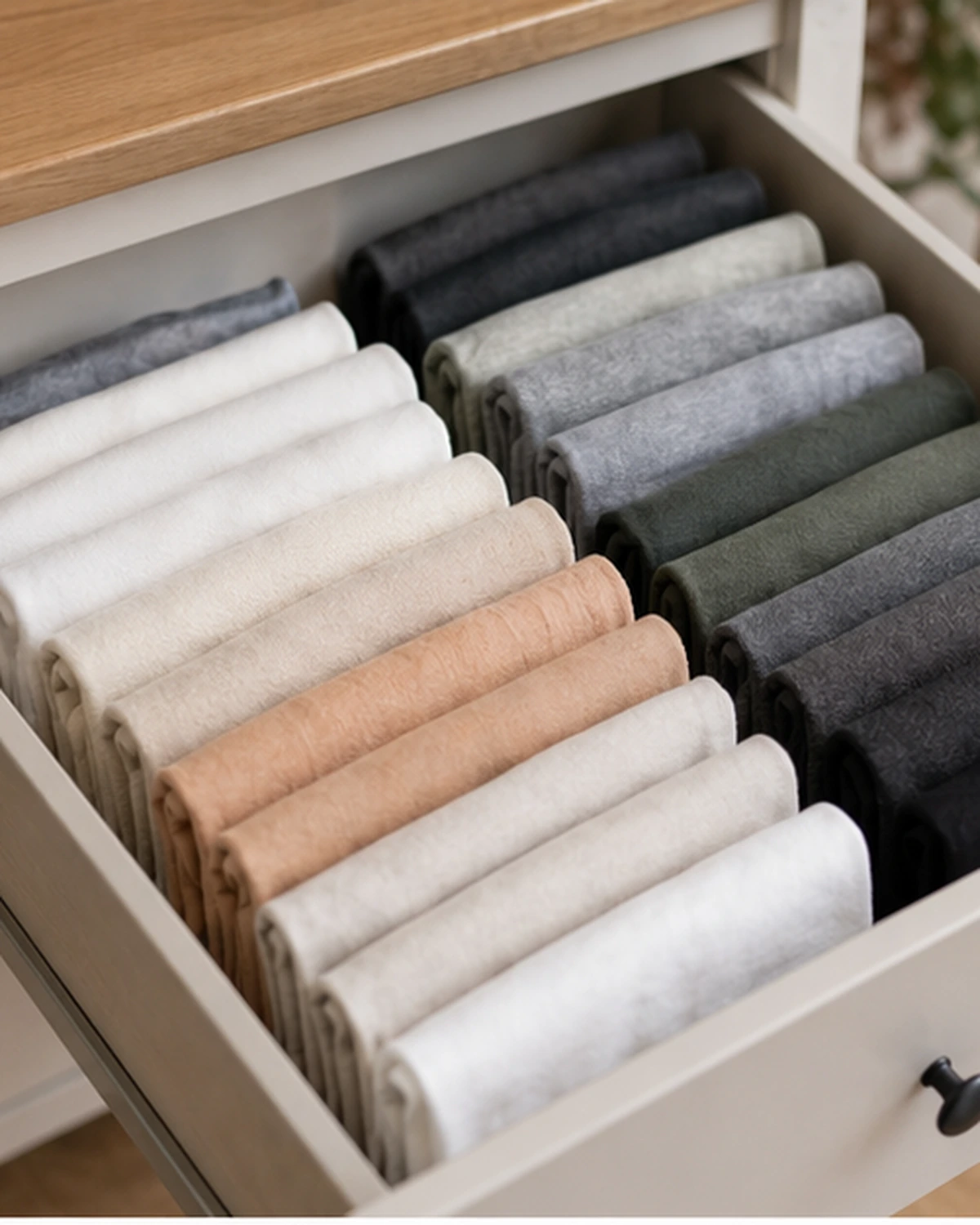
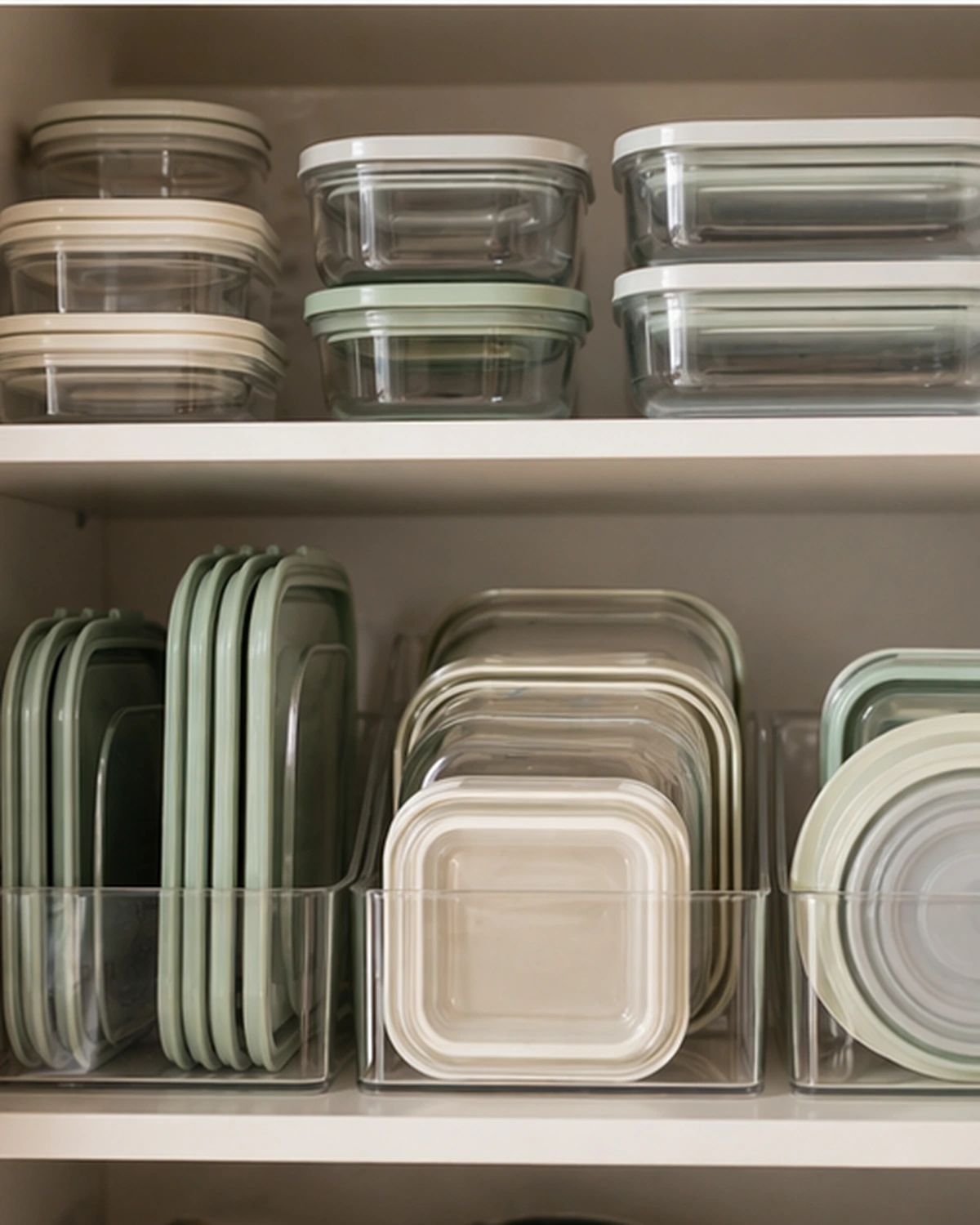
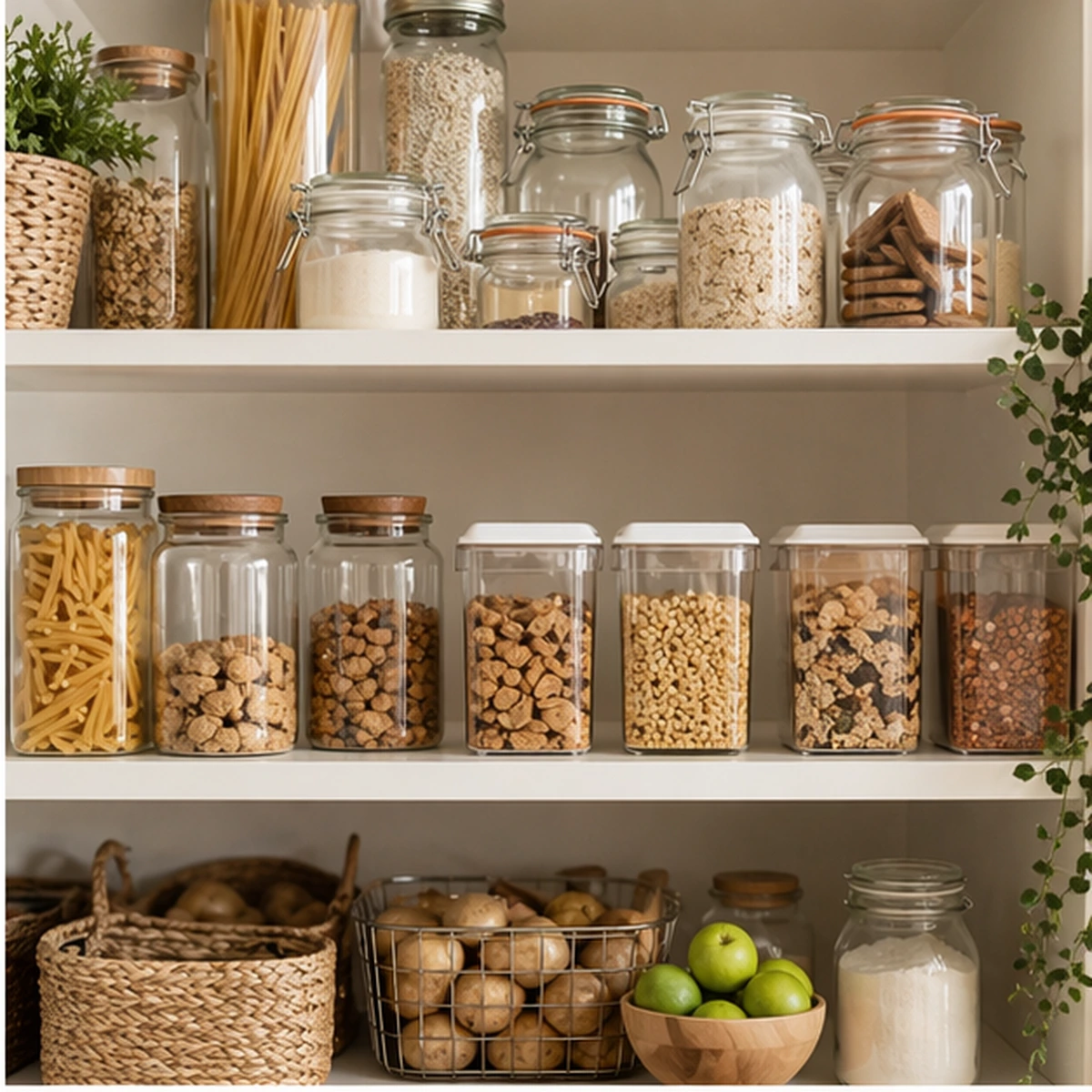
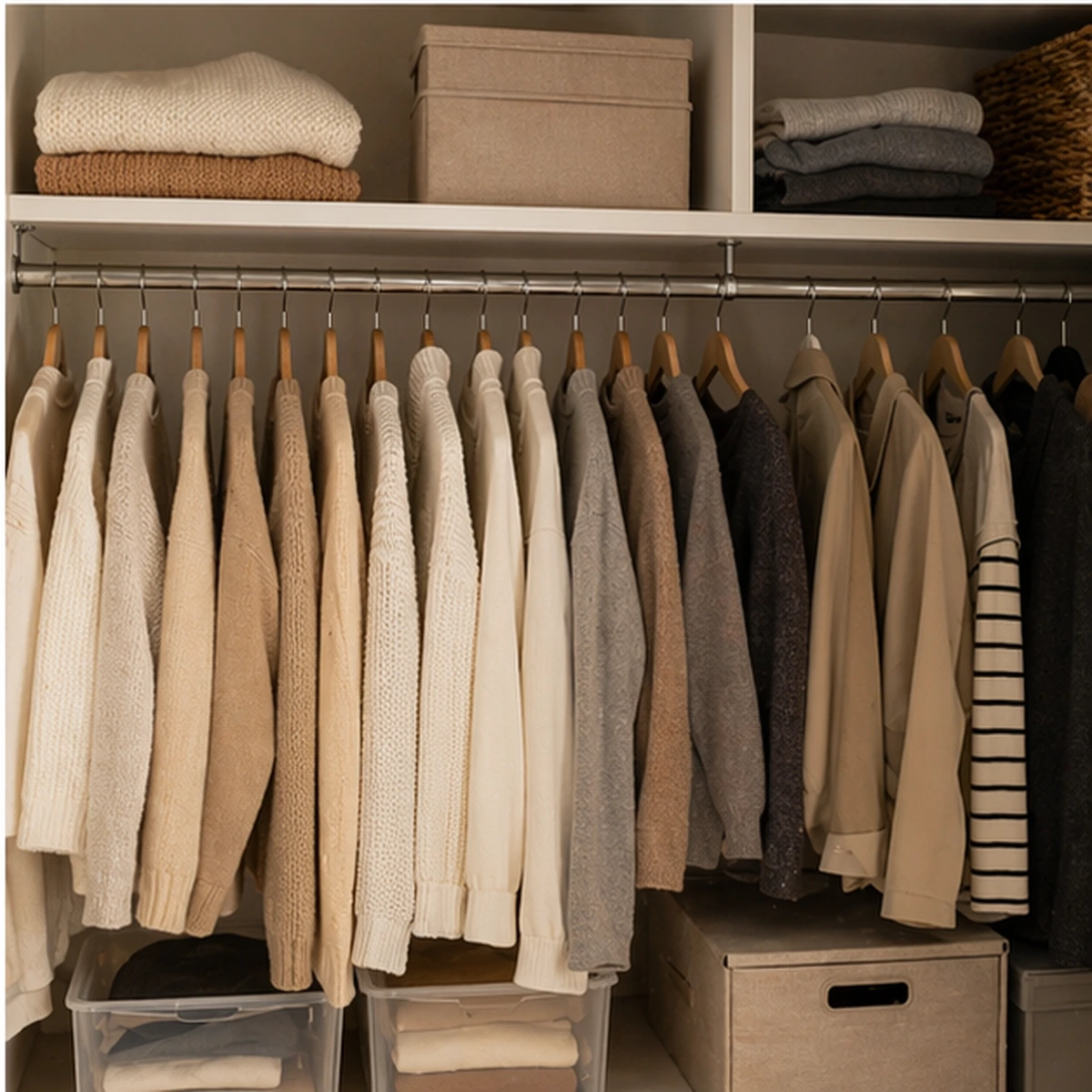




Fold T-shirts vertically
Tags
Collections
Learn the ultimate method to save space in your drawers and see all your T-shirts at a glance.
Resources
 Resources
- Clean T-shirts
- Deep drawer
- Drawer dividers
- Small fabric boxes
- Optional labels
Steps to follow
 Steps to follow
Lay the T-shirt face down on a flat surface.
Fold one third toward the center and fold the sleeve in.
Repeat on the other side to form a narrow rectangle.
Fold in half, leaving a small gap at the edge.
Fold again into three or two parts until it stands upright.
The example text does not represent the final result.
And you can also:
-
Save ideas by room like kitchen, bathroom, closet, or desk.
-
Add tags like 'drawers', 'pantry', 'minimalist', or 'Friday afternoon'.
-
Finally recover that organization system you really wanted to try.
Less lost inspiration. More real order.
Endless formats
Import from any platform
Recipes from TikTok, YouTube tutorials, Instagram shorts, or Pinterest crafts. If it's a video, Reesave turns it into a step-by-step guide.
FAQ
Frequently asked questions
Here are some of the most common questions about Reesave.
Can I separate ideas by areas of the house?
Of course! You can create collections by room and use tags to find every organization system instantly.
What is Reesave?
Reesave is a mobile app that turns videos from TikTok, Instagram, YouTube Shorts, or Pinterest into step-by-step guides organized with Artificial Intelligence.
How can I import videos?
You can import videos by sharing them directly to the Reesave app from TikTok, Instagram, YouTube, or Pinterest, or by simply copying and pasting the link. You can also create your own manually.
Which platforms can I import videos from?
You can import videos from Instagram, TikTok, YouTube, Pinterest, and Facebook. You just need to share the link or paste it directly into the app.
Does Reesave download or steal views from creators?
Not at all. We do not save or download the original videos. We always give proper credit to creators and provide a direct link to view the original video. Our goal is to help you organize inspiration, not take views away from them.
Is the app free?
Yes, the app is completely free and there is no monthly analysis limit.
Can I edit the guides generated by AI?
Yes, all content generated by artificial intelligence is fully editable so you can adapt it to your taste.
Is it available for iOS and Android?
Yes, Reesave is available to download on both iOS devices (App Store) and Android (Google Play).
Can I share my guides with other people?
Currently, when you tap share, the link to the original video that inspired the guide is shared.
What happens if the original post disappears?
Your guide stays completely intact. All extracted content (steps, materials, times) remains saved in your account. Only the original video link might stop working.