
 Español
  English
  Deutsch
  Français
  Italiano
  Nederlands
  Português
 A thousand plant videos and your cactus begging for help
Plants can't talk, but your saved plant videos did explain what to do. The problem was finding them. Download Reesave now to find that video that saves your plant's life
You save plant care videos feeling like an expert but then you never watch them
You promise yourself you'll keep it alive.
When it's time to water, repot, or prune, you second-guess everything.
You don't know whether it needed a lot or a little water, lots of sun or not much...
You water your plants every day because you also drink water every day
With Reesave
Your plants finally have a rescue plan
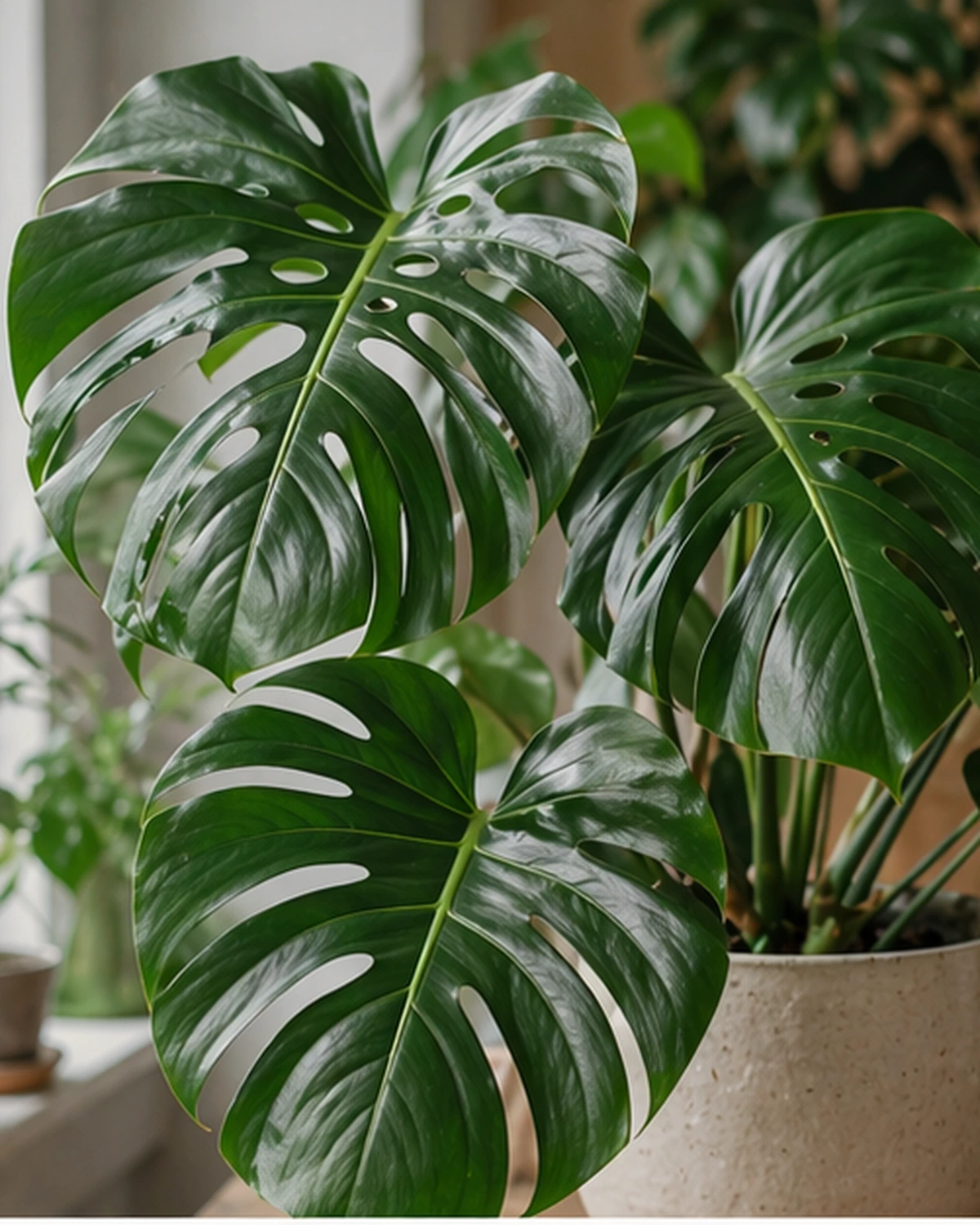
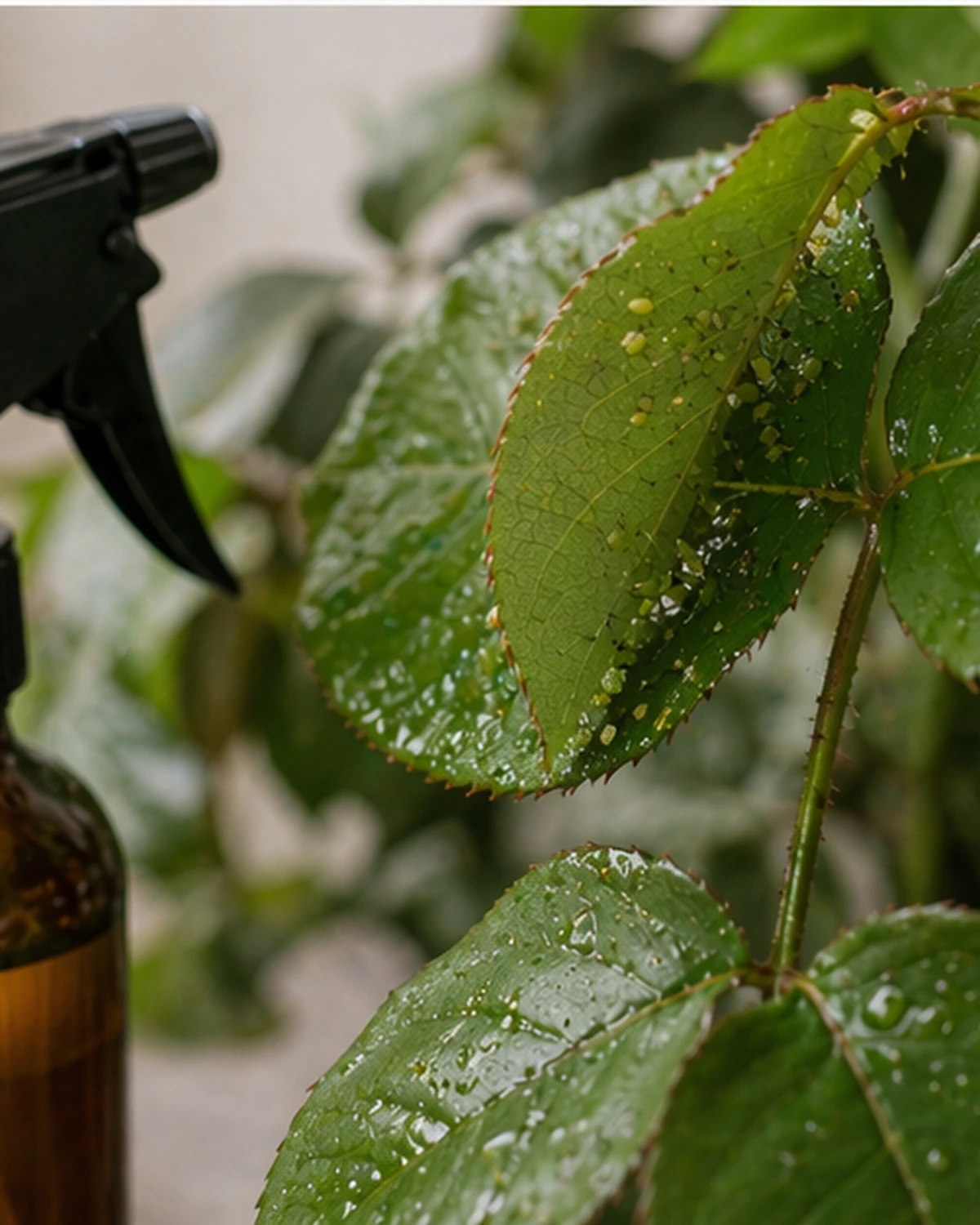
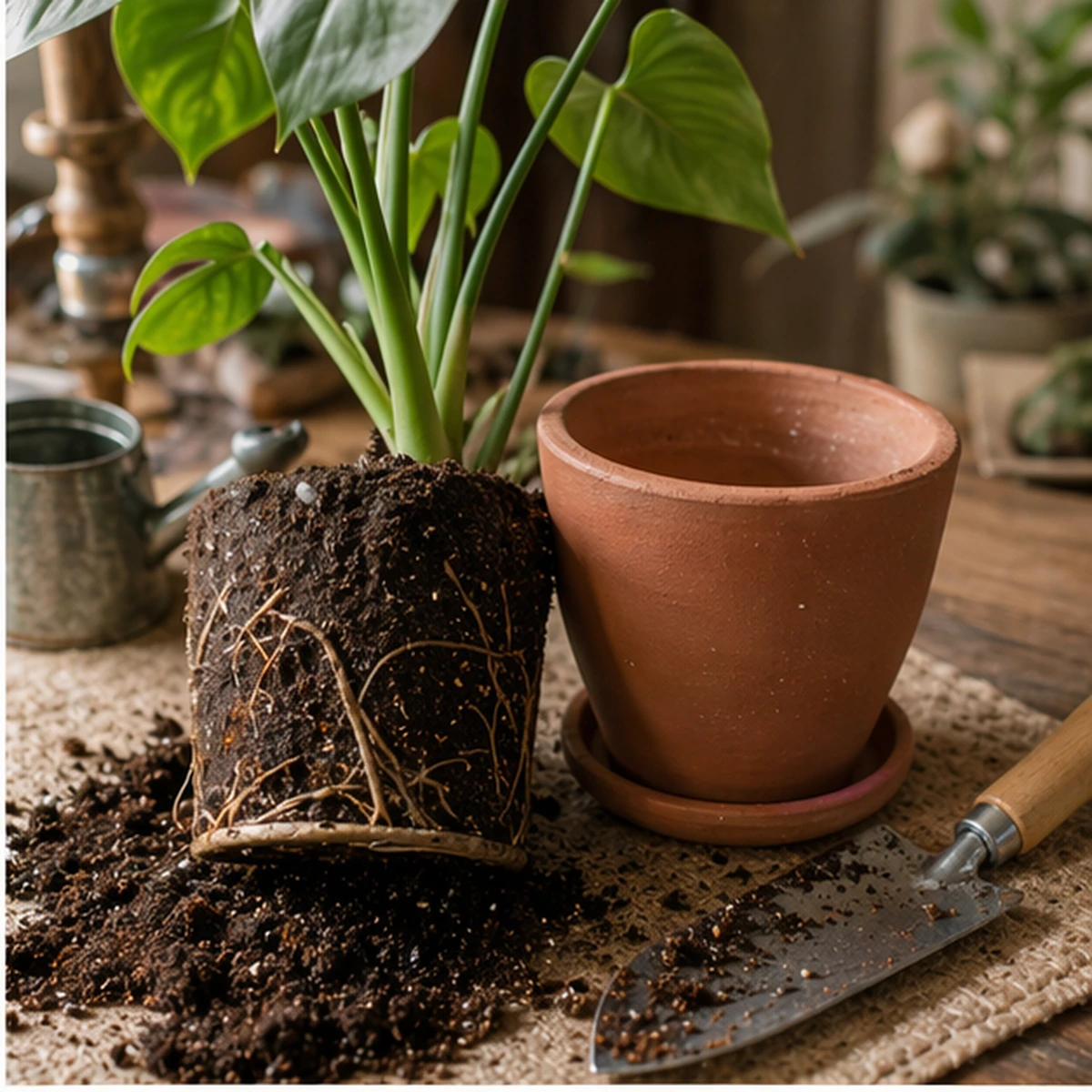
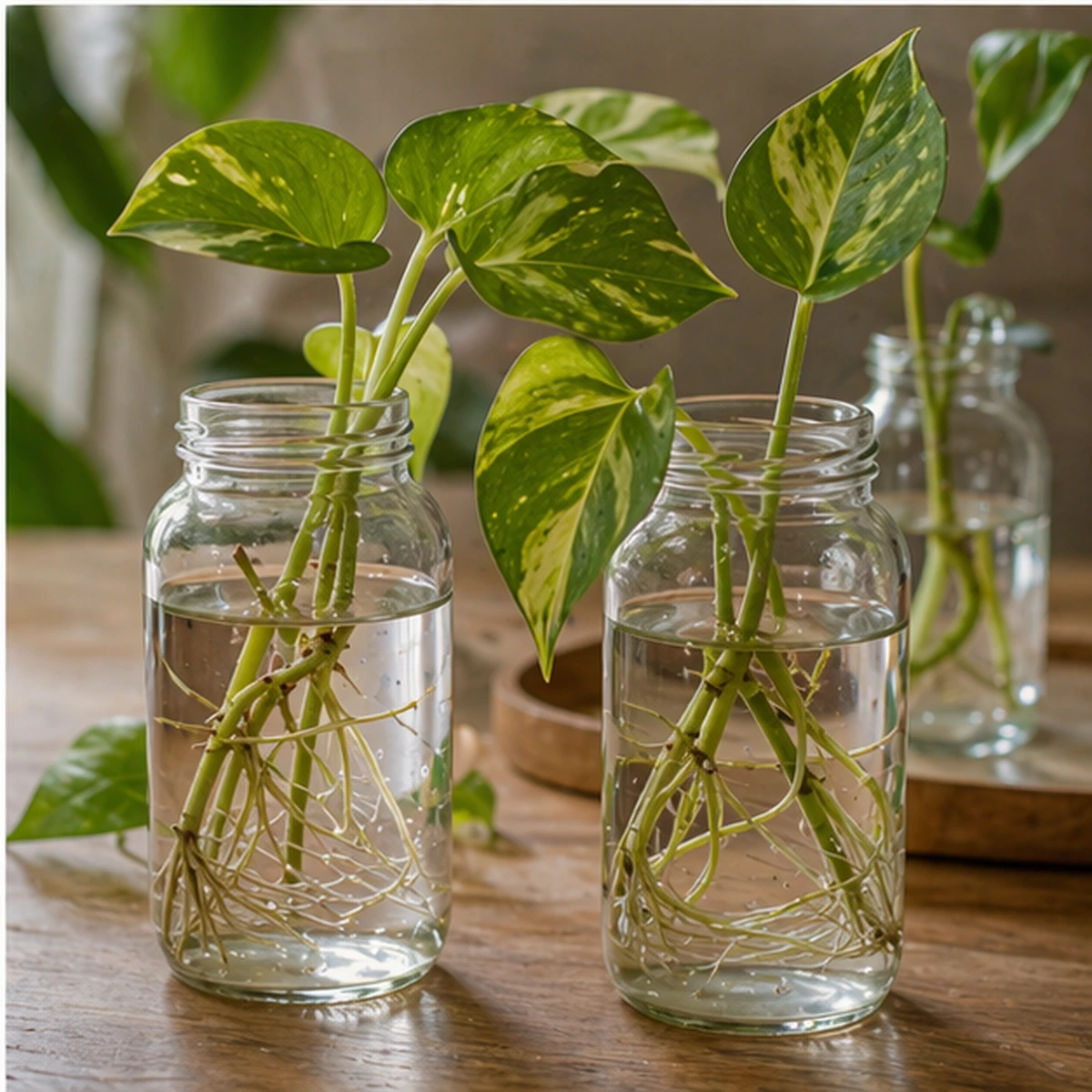





Monstera Care
Tags
Collections
Everything you need to know for your Monstera to grow happily, sprout new leaves, and avoid root rot.
Resources
 Resources

- Pot with drainage
- Airy substrate
- Moss pole
- Watering can
- Fertilizer for green plants
- Pruning shears
Steps to follow
 Steps to follow
Watering: Wait until the top 5 cm of substrate are dry before watering.
Light: Place it near a window but out of strong direct sun.
Humidity: Mist the leaves or wipe away dust with a damp cloth.
Support: Add a moss pole so the leaves can grow larger.
The example text does not represent the final result.
And you can also:
-
Save each plant or species in its own collection.
-
Add tags like 'weekly watering', 'shade', or 'delicate'
-
Stop caring for your plants based on your mood of the day.
Less guessing. Happier plants.
Endless formats
Import from any platform
Recipes from TikTok, YouTube tutorials, Instagram shorts, or Pinterest crafts. If it's a video, Reesave turns it into a step-by-step guide.
FAQ
Frequently asked questions
Here are some of the most common questions about Reesave.
Can it help me with a watering schedule?
Yes. Even if it's not an automatic reminder yet, it leaves the information ready for you to check in seconds.
What about pests or specific issues?
If you save a video about a pest, you'll have the solution and the steps much more accessible to save your plant.
What is Reesave?
Reesave is a mobile app that turns videos from TikTok, Instagram, YouTube Shorts, or Pinterest into step-by-step guides organized with Artificial Intelligence.
How can I import videos?
You can import videos by sharing them directly to the Reesave app from TikTok, Instagram, YouTube, or Pinterest, or by simply copying and pasting the link. You can also create your own manually.
Which platforms can I import videos from?
You can import videos from Instagram, TikTok, YouTube, Pinterest, and Facebook. You just need to share the link or paste it directly into the app.
Does Reesave download or steal views from creators?
Not at all. We do not save or download the original videos. We always give proper credit to creators and provide a direct link to view the original video. Our goal is to help you organize inspiration, not take views away from them.
Is the app free?
Yes, the app is completely free and there is no monthly analysis limit.
Can I edit the guides generated by AI?
Yes, all content generated by artificial intelligence is fully editable so you can adapt it to your taste.
Is it available for iOS and Android?
Yes, Reesave is available to download on both iOS devices (App Store) and Android (Google Play).
Can I share my guides with other people?
Currently, when you tap share, the link to the original video that inspired the guide is shared.
What happens if the original post disappears?
Your guide stays completely intact. All extracted content (steps, materials, times) remains saved in your account. Only the original video link might stop working.