
 Español
  English
  Deutsch
  Français
  Italiano
  Nederlands
  Português
 Fifty routines saved and yours is still a mess
Saving beauty tips is easy. Remembering the order, timings, and which product comes first is not. Download Reesave now and put your skincare in order.
You save skincare, makeup, and beauty routines all the time.
You watch an amazing video and think you'll try it later.
When it's time to do it, you don't remember the order of the products.
You don't remember timings, amounts, or whether it was for morning or night.
You go back to the video and end up jumping from clip to clip trying to see which one you like best.
With Reesave
Beauty routines become real routines
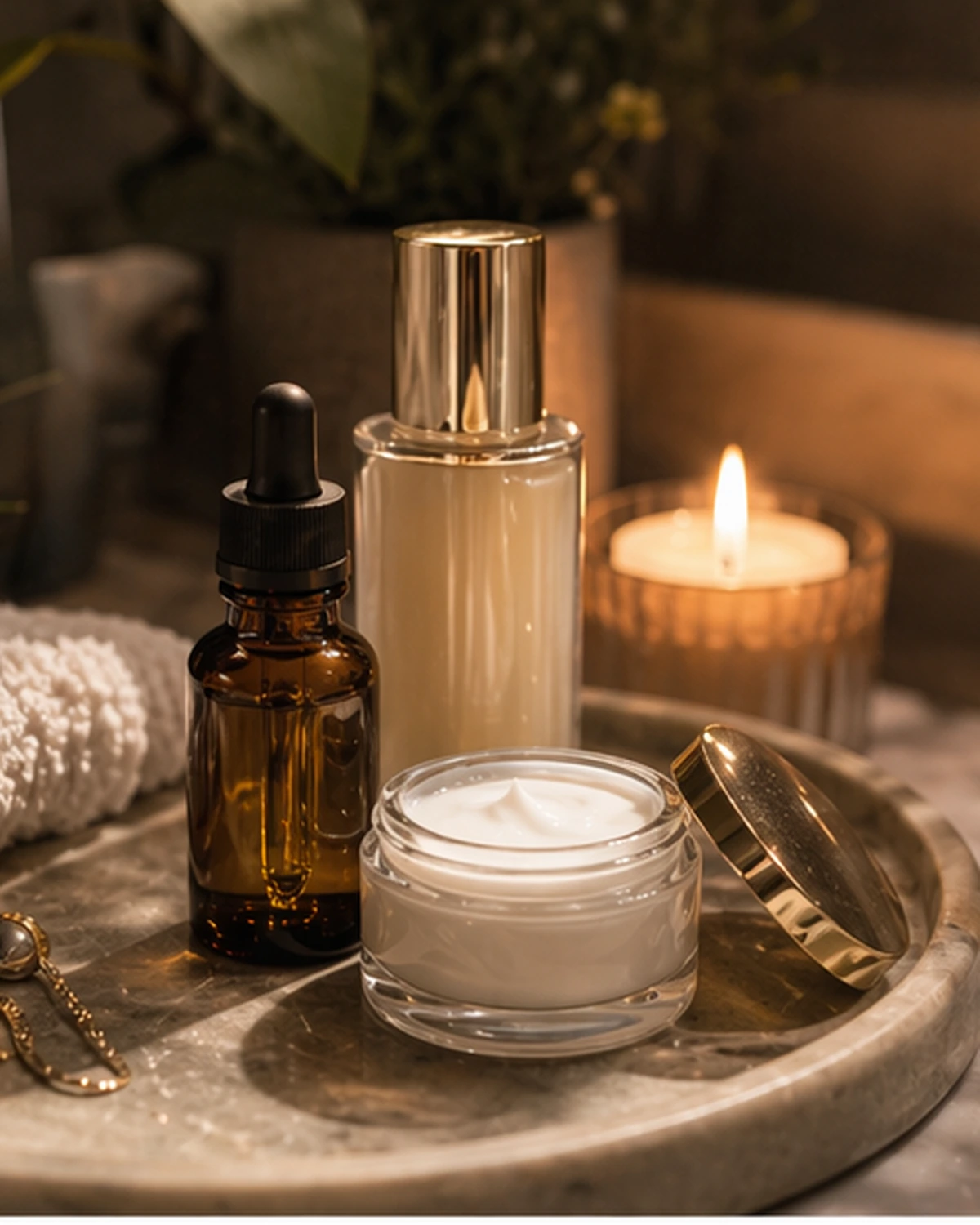
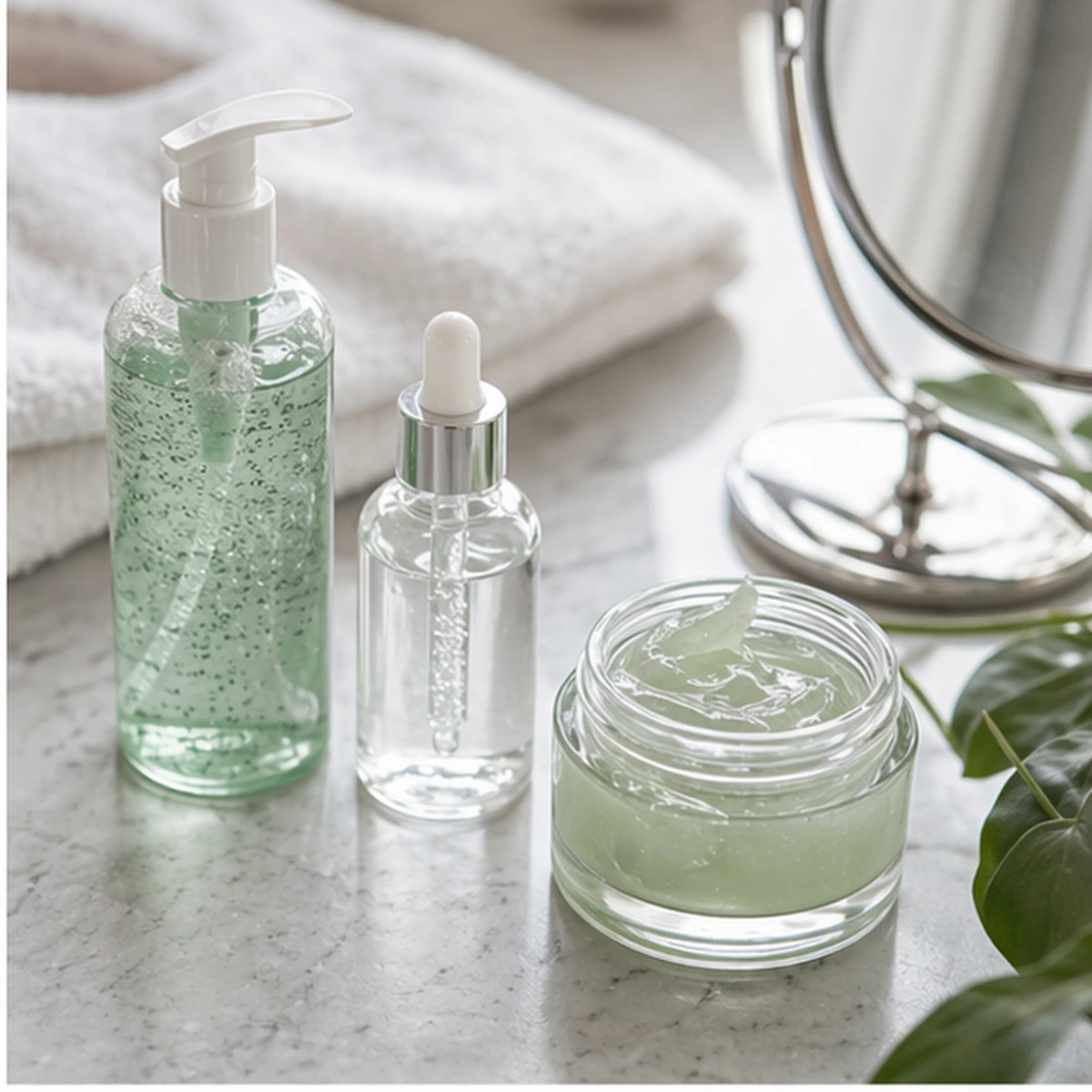


Hydrating night routine
Tags
Collections
A simple and effective night routine to wake up with hydrated, glowing skin.
Resources
 Resources
- Cleansing oil
- Gentle cleanser
- Hyaluronic acid serum
- Moisturizer
- Eye cream
- Lip balm
Steps to follow
 Steps to follow
Double cleanse: cleansing oil followed by a water-based gel cleanser.
Apply hydrating toner with light taps.
Hyaluronic acid serum on damp skin.
Seal it in with a rich moisturizer and eye cream.
The example text does not represent the final result.
And you can also:
-
Save routines by goal: acne, glow, night, or everyday makeup.
-
Add tags by skin type, product, or time of day.
-
Recover that tutorial you really wanted to try without digging through saves.
Don't improvise. Follow your routines.
Endless formats
Import from any platform
Recipes from TikTok, YouTube tutorials, Instagram shorts, or Pinterest crafts. If it's a video, Reesave turns it into a step-by-step guide.
FAQ
Frequently asked questions
Here are some of the most common questions about Reesave.
Is it useful for makeup as well as skincare?
Yes! Reesave also helps you organize steps, products, and makeup tricks and other beauty and skincare videos.
Can I separate morning and night routines?
Of course! You can organize it by collections and tags so each routine stays clearly separated however you want.
What is Reesave?
Reesave is a mobile app that turns videos from TikTok, Instagram, YouTube Shorts, or Pinterest into step-by-step guides organized with Artificial Intelligence.
How can I import videos?
You can import videos by sharing them directly to the Reesave app from TikTok, Instagram, YouTube, or Pinterest, or by simply copying and pasting the link. You can also create your own manually.
Which platforms can I import videos from?
You can import videos from Instagram, TikTok, YouTube, Pinterest, and Facebook. You just need to share the link or paste it directly into the app.
Does Reesave download or steal views from creators?
Not at all. We do not save or download the original videos. We always give proper credit to creators and provide a direct link to view the original video. Our goal is to help you organize inspiration, not take views away from them.
Is the app free?
Yes, the app is completely free and there is no monthly analysis limit.
Can I edit the guides generated by AI?
Yes, all content generated by artificial intelligence is fully editable so you can adapt it to your taste.
Is it available for iOS and Android?
Yes, Reesave is available to download on both iOS devices (App Store) and Android (Google Play).
Can I share my guides with other people?
Currently, when you tap share, the link to the original video that inspired the guide is shared.
What happens if the original post disappears?
Your guide stays completely intact. All extracted content (steps, materials, times) remains saved in your account. Only the original video link might stop working.